Collateral
description: >- When placing any order, your Collateral choice and amount determines which token you post as margin and how much buying power you’ve unlocked.
Collateral
Collateral Select
- Collateral dropdown (e.g. vUSD): Select which token you post as margin.
- Balance: Your free collateral of that token.
- Changing collateral recalculates slider limits, Value, and Cost in real time.
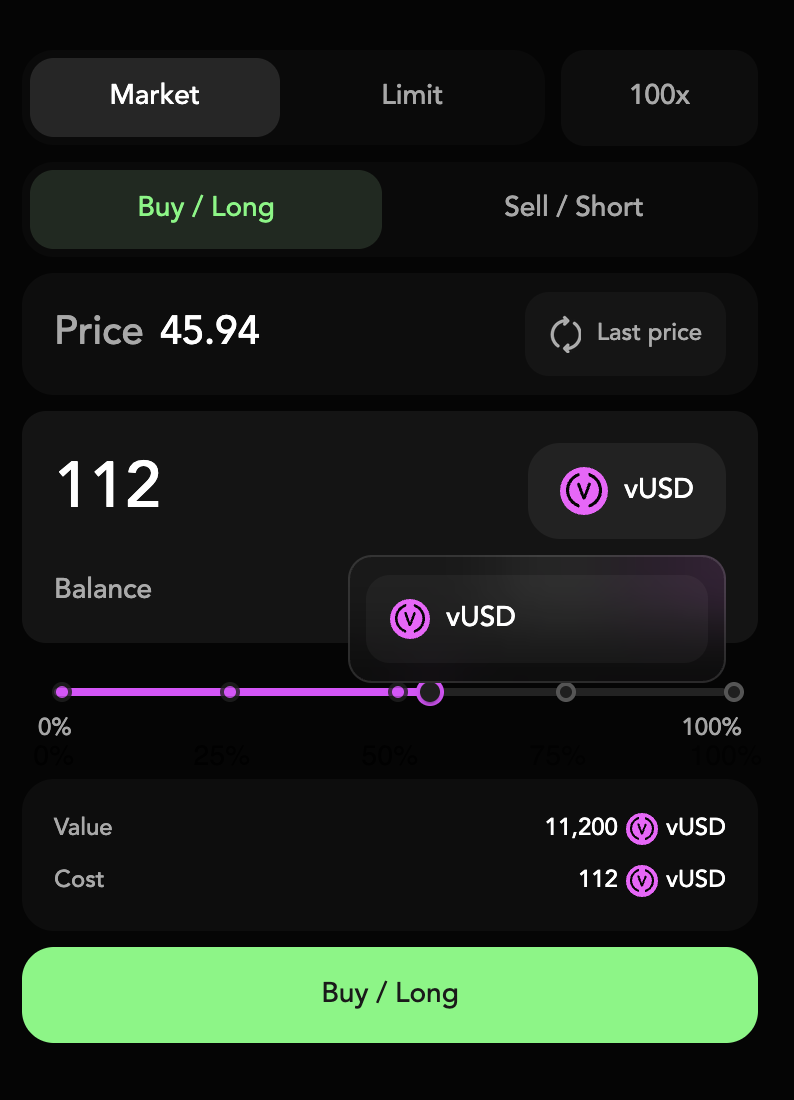
Amount Slider
The Amount Slider is your quick way to size up orders in logical chunks, without manual math.
- Draggable handle on a 0–100% bar: Chooses what fraction of your collateral to use.
- Preset dots at 25%, 50%, 75%: One‑tap selection of common sizes.
- Tooltip (“56”): Shows the exact percentage as you drag.
- Value & Cost fields update live: See notional position size and margin requirement.
