Eligibility & Access
description: Who can participate in the testnet?
Eligibility & Access
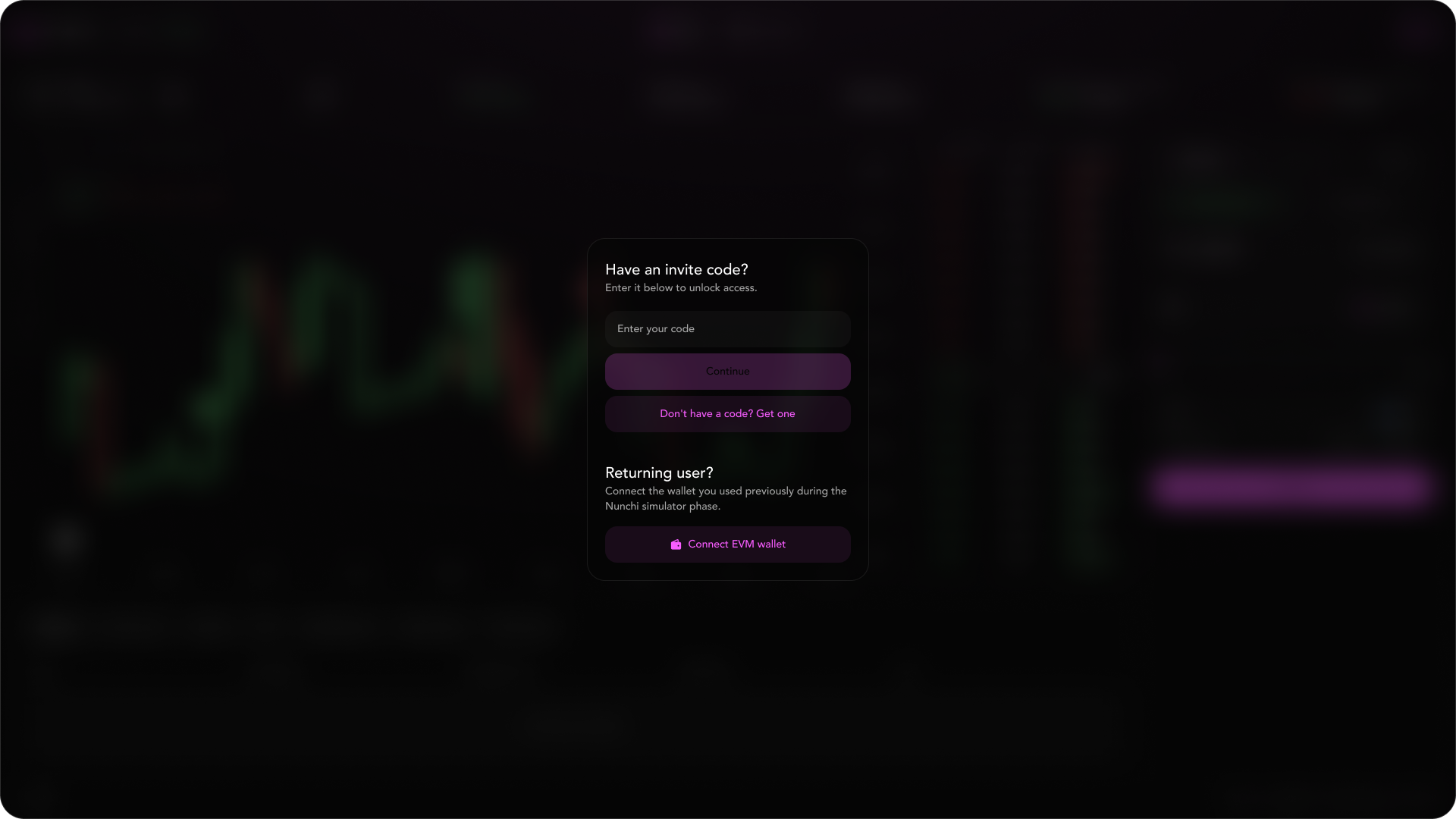
Connect Your Wallet
- Click Connect Wallet and choose your EVM wallet.
- If you participated in the simulator and see a prompt, link your simulator wallet, then confirm your EVM wallet.
Invite Code (If Required)
- Some users will see a code gate. Enter your code and submit.
- Inline messages will inform you if a code is invalid or already used.
- Repeated failures trigger a short cooldown before you can try again.
After connecting, you will arrive on the trading interface. From here, you have two options:
- Option A — Start immediately: Click “Claim nUSD to start trading” to go straight to the claim flow and get your initial balance.
- Option B — Explore first: Navigate to the Dashboard to review season stats, leaderboard, and your portfolio (balances, open orders, positions, and history).
info
You may also notice quick links like Docs, User Guide, and Report a Bbug in the interface footer for easy access.