Managing Trades: Take-Profit (TP) & Stop-Loss (SL)
description: >- You can add TP/SL orders to any open position to automate your risk management and profit-taking.
Managing Trades: Take-Profit (TP) & Stop-Loss (SL)
How to Access:

Click the + TP/SL button or the pencil icon on any row in the Positions tab.
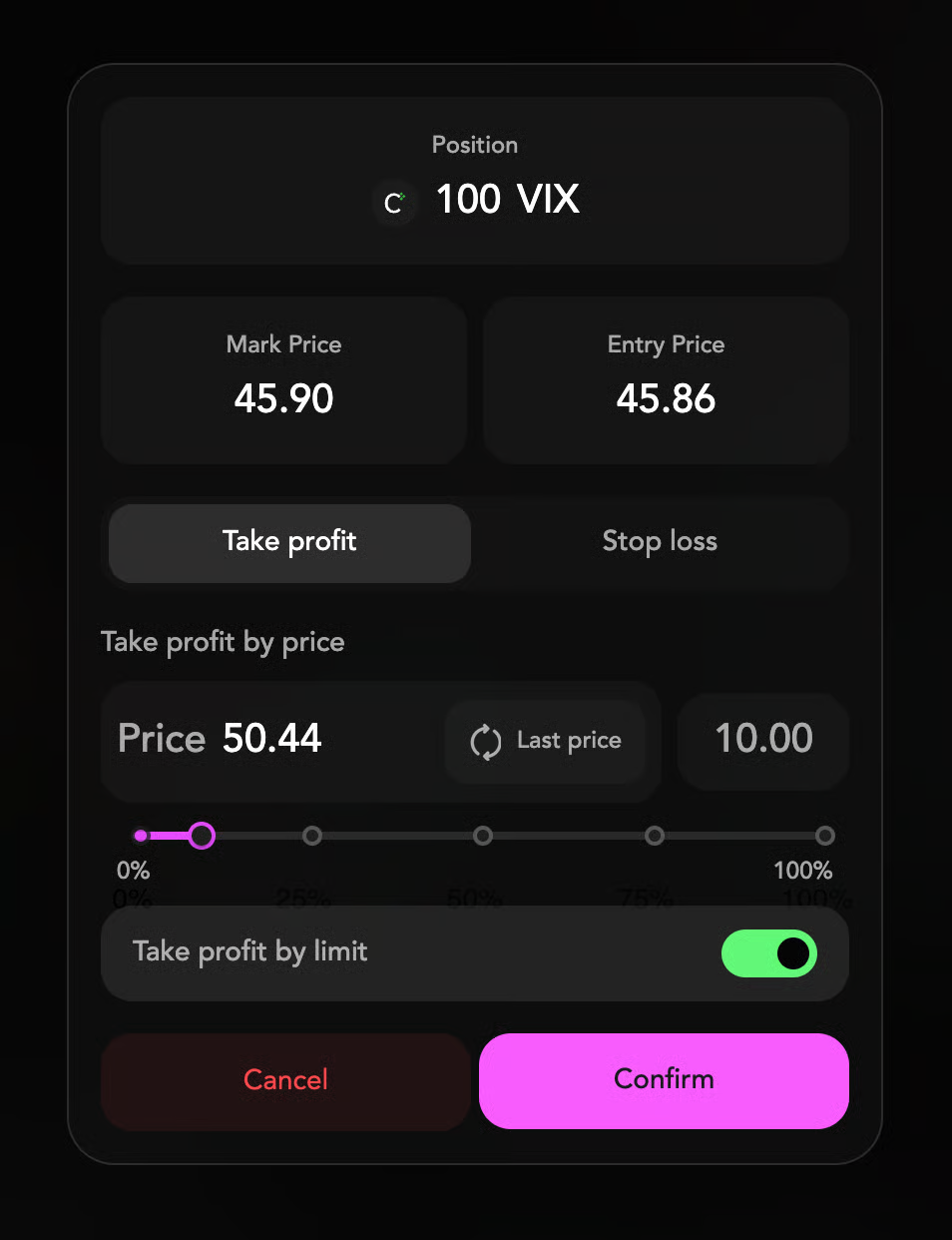
Take-Profit (TP)
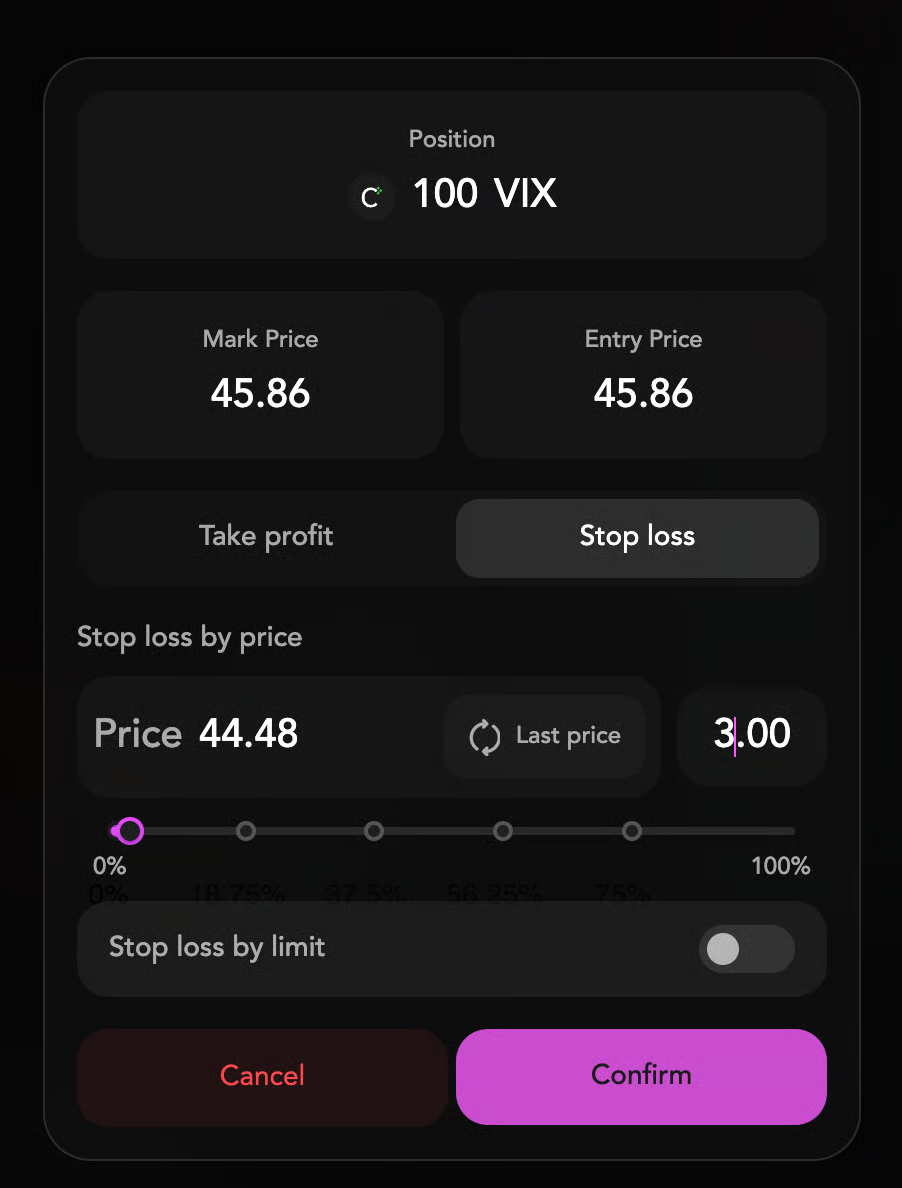
Stop-Loss (SL)
In the TP/SL Modal:
- Set Price: Input the specific price at which you want your Take-Profit or Stop-Loss to trigger.
- Set Size (Slider): Use the slider (0-100%) to determine what fraction of your position should be closed when the trigger price is hit. You can close anywhere from a small portion to the entire position.
- Market vs. Limit Toggle:
- Market (Default): Guarantees execution. When your trigger price is hit, a market order is sent.
- Limit: Aims for better pricing. When your trigger price is hit, a limit order is placed at your specified price. Execution is not guaranteed if the market moves away quickly.